

Your homepage is your digital front door. Within seconds, a visitor decides whether to stay or leave. In a crowded online space, a generic, template-driven homepage simply won’t cut it. To truly captivate your audience and guide them toward action-be it a purchase, sign-up, or inquiry-you need a strategic and creative homepage layout.
These innovative homepage layouts do more than just look beautiful; they are engineered to guide the user’s journey, build trust, and ultimately, boost your conversion rates. Here are 10 creative homepage layouts that are proven to convert, and how you can implement their principles.
1. The Hero-Video Background Layout
Immediate Engagement Through Motion
A full-screen, autoplaying video background in the hero section creates an instant emotional connection and showcases your product or brand ethos in seconds. This layout is highly effective for lifestyle brands, tech companies, and travel sites.
- Why it Converts: It reduces bounce rates by capturing attention immediately. A well-produced video can explain complex offerings faster than text.
- Key Element: Place a clear, compelling call-to-action (CTA) button (e.g., “Start Your Free Trial,” “Explore Destinations”) over the video. Ensure the video is optimized for fast loading and has a fallback image.
- Example: Airbnb often uses stunning destination videos to evoke wanderlust, directly driving bookings.
2. The Asymmetrical/Grid-Breaking Layout
Defying Conventions for Memorability
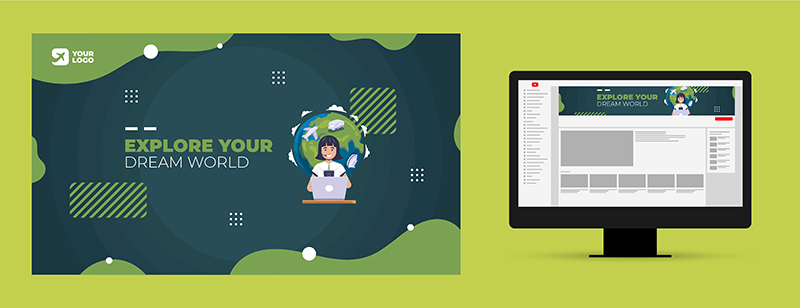
Moving away from standard symmetrical grids, this layout uses overlapping elements, uneven columns, and unexpected placements to create visual interest and a sense of modernity.
- Why it Converts: It stands out from competitors, making your brand appear innovative. It can be used to visually prioritize the most important content.
- Key Element: Maintain balance and ensure readability isn’t sacrificed. Use white space strategically to prevent the design from feeling chaotic.
- Example: Many design agencies and creative portfolios use this layout to showcase their own design prowess.
3. The “Problem-Agitate-Solution” Single-Scroll Layout
A Compelling Narrative Journey
This layout tells a story in a linear, scrollable format. It starts by stating the user’s problem, agitates the pain points, and then introduces your product or service as the hero solution, followed by proof (testimonials, features) and a final CTA.
- Why it Converts: It mirrors a classic sales pitch, building a logical case for your offering. It keeps users engaged as they scroll to discover the conclusion.
- Key Element: Use sticky navigation or a progress bar to orient users. Sections should flow seamlessly into one another.
- Example: Many SaaS (Software as a Service) and productivity tool websites excel with this narrative structure.
4. The Magazine-Style Editorial Layout
Establishing Authority and Depth
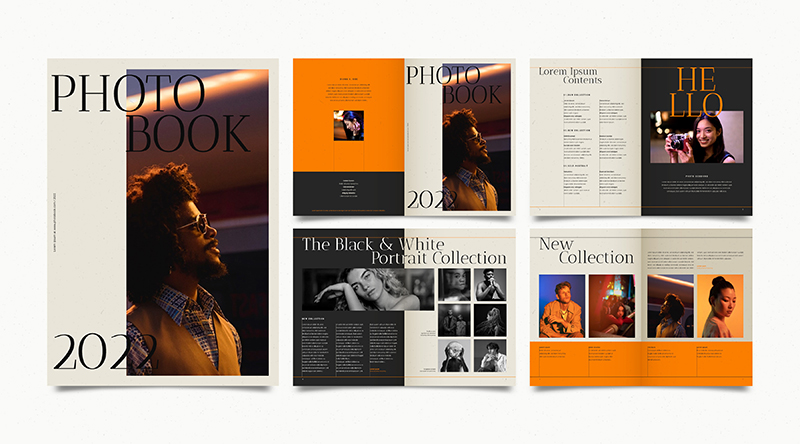
Popular with blogs, news sites, and content-heavy brands, this layout uses a dynamic grid of featured articles, categories, and trending posts. It signals that the site is a living resource full of valuable information.
- Why it Converts: It encourages exploration and longer session times. By showcasing expertise, it builds trust before asking for a conversion.
- Key Element: Integrate newsletter sign-up CTAs within the content flow and use clear visual hierarchy to highlight premium content or key services.
- Example: The New Yorker or insightful industry blogs use this to keep readers engaged and subscribed.
5. The Interactive “Choose Your Path” Layout
Personalization from the Start
Immediately ask visitors to identify themselves (e.g., “Are you a Developer or a Business Manager?”) or choose their interest. This then tailors the homepage content to their specific needs.
- Why it Converts: It delivers a hyper-relevant experience, making the user feel understood. It shortens the path to the most valuable content for each segment.
- Key Element: Keep the choice simple (2-3 options max). Ensure the subsequent content is genuinely differentiated and valuable.
- Example: Enterprise software companies often use this to direct different stakeholders to relevant information.
6. The Minimalist “One CTA” Focus Layout
Reducing Decision Fatigue
This ultra-clean layout removes all navigation distractions aside from a logo. The entire screen is dedicated to one powerful value proposition and one, unmistakable CTA button.
- Why it Converts: It eliminates choice paralysis, forcing focus on the single most important action you want a new visitor to take.
- Key Element: The copy must be incredibly strong. The value proposition (“Launch Your Website in 5 Minutes”) and the CTA (“Get Started Free”) need to be perfectly aligned.
- Example: Many landing pages and apps like Calendly use this effectively, though it can be powerful for main homepages of focused products.

7. The Dynamic Product Showcase Layout
Putting the Product in the Spotlight
Instead of a static image, this layout uses interactive elements like 360-degree spins, color switchers, or functional demos embedded directly in the hero section. It’s ideal for e-commerce and digital products.
- Why it Converts: It builds confidence by letting users “try before they buy.” Interaction increases engagement and time on page.
- Key Element: Ensure the interactive module loads quickly and is intuitive on mobile devices. Place the “Add to Cart” or “Buy Now” button prominently nearby.
- Example: Apple’s homepage is a masterclass in dynamic, interactive product showcases.
8. The Social Proof-First Layout
Leading with Trust
This design immediately bombards the visitor with logos of trusted clients, a powerful testimonial, or a real-time notification of recent purchases/sign-ups. It uses social validation as the primary hook.
- Why it Converts: It instantly builds credibility and reduces perceived risk for new visitors, making them more likely to proceed.
- Key Element: Ensure the proof is genuine, recent, and relevant. Feature recognizable logos or relatable customer quotes with photos.
- Example: Many B2B service providers and subscription boxes place client logos or user reviews “above the fold.”
9. The Benefit-Driven Card Grid Layout
Scan-Friendly Value Proposition
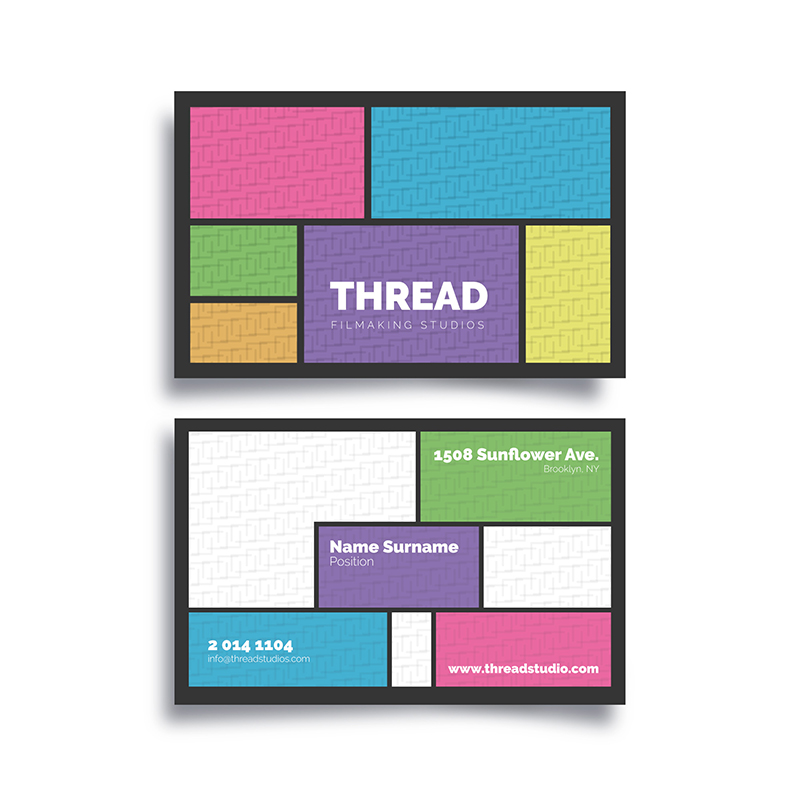
This layout uses a grid of clear, icon-based cards, each highlighting a core benefit, feature, or service pillar. It allows users to quickly scan and identify what matters most to them.
- Why it Converts: It caters to modern browsing habits. Users can self-select the benefit they care about, leading them down a relevant conversion path.
- Key Element: Use compelling icons and concise, benefit-oriented headlines (“Save Time,” “Increase Revenue”). Each card can link to a deeper page.
- Example: Financial technology and project management software sites often use this to communicate diverse features clearly.
10. The Full-Screen Interactive Experience
Gamification and Immersion
This advanced layout turns the homepage into an exploratory experience. This could be a scroll-triggered animation journey, a small interactive game related to your service, or a creative visual experiment.
- Why it Converts: It creates a memorable “wow” moment that is highly shareable. It strongly associates your brand with innovation and creativity.
- Key Element: The experience must be tied to your brand message. Never sacrifice usability or clarity for the sake of creativity. Always provide a clear “skip” or “next” option.
- Example: Agencies and brands targeting a young, tech-savvy audience sometimes employ this for campaign-specific sites.
Implementing Your Creative Homepage Layout
Choosing the right creative homepage layout depends on your brand, audience, and primary goal. The key is to blend creativity with clarity. No matter how stunning your design is, if users don’t know what to do next, it won’t convert.
Always:
- Have a Clear CTA: Every creative choice should support the action you want users to take.
- Prioritize Speed: Creative elements (videos, interactions) must be optimized for lightning-fast loading.
- Design for Mobile First: Most homepage layouts are first experienced on mobile devices. Ensure your creative concept translates perfectly to smaller screens.
- Test and Iterate: Use A/B testing to see which creative homepage layouts truly resonate with your audience and drive your desired conversions.
By moving beyond the standard template and embracing one of these creative homepage layouts, you transform your homepage from a simple information page into your most powerful conversion tool. Start by identifying the one layout that best aligns with your story and watch your engagement-and conversions-soar.

